Product Engineering
Prototype Development Services
A prototype is a question in disguise. Will people understand this flow? Does this interaction work on a phone? Is this worth building at all? We define the question first, pick the cheapest fidelity that answers it, and test it with people who match your users. What it can't prove - demand at scale, security, performance - we say up front.
HOW IT RUNS
From question to answer
Four steps from a question to an answer. Each one ends with something you can review.
The Question & the Scope
A prototype without a question is an expensive sketch. We name the target user, the flow being tested and what counts as a pass, then flag the constraints - data, integrations, platforms - that would block a later build.
DELIVERABLES
- The question, with pass and fail criteria
- Target user and recruitment plan
- Core flow and screens in scope
- Fidelity plan for the build
- Assumptions to test
- Technical constraints flagged by engineering
What We Build
Prototype development, matched to the question you're asking
From a quick wireframe to a functional prototype on real data. Fidelity follows the question, not a package.
Low-Fidelity Wireframing
Rough boxes and arrows that settle the logic before anyone argues about colours.
Interactive Clickable Prototypes
High-fidelity click-throughs for web and mobile, in Figma or Framer, close enough to the real product to test with real users.
Usability Testing & User Feedback
Sessions with recruited participants who match your audience, with consent handled and findings tied to the question being tested.
Technical Feasibility Validation
Engineers review the prototype's assumptions while it is being built, so nothing gets approved that development can't deliver.
Steering-Committee & Stakeholder Demo Builds
Prototypes built to support a funding or go/no-go decision: polished enough to show the intended experience, and clearly labelled as a demo rather than a product.
Design System & Handoff Documentation
Component library, interaction specs and decision notes, so a development team starts from decisions rather than screenshots.
Our Methodology
One question, and the cheapest test that answers it
Every idea rests on assumptions. A prototype's job is to break the weak ones while breaking them is cheap.
Fidelity Matched to the Question
Wireframe, clickable or functional, picked by what the prototype has to settle rather than by a fixed package.
Recruited Users, Not Colleagues
Sessions run with people who match your audience. Internal review measures opinion, not behaviour.
Feasibility Checked Before Sign-Off
Engineering reviews technical assumptions during the build, so every approved design is one development can deliver.
Limits Stated Plainly
A prototype can show that a flow works. It can't prove demand at scale, security or performance, and the report says so.
Prototyping Practice
Prototyping with a paper trail
An undocumented prototype is a lesson nobody gets to reuse.
Every round is saved with what it was testing and what happened when real users tried it, so a decision made early doesn't get re-argued later.
Every round, documented. Files, versions and decision notes are part of the hand-over, ready for whichever team builds next.
Version-Controlled Iterations
Each round saved and labelled, so a rejected direction can be revisited if later feedback points back to it.
Realistic, Never Live
Representative or anonymised data in an isolated environment when realism matters. Never live production data or credentials.
Component-Based Design Systems
Built from a reusable component library from the first wireframe, so the hand-over isn't a pile of one-off screens.
Accessible From the First Draft
Colour contrast, touch-target size and screen-reader order checked while changing them is still trivial.
Cross-Device Testing
Tested on the device classes your users actually carry, not only on a designer's laptop.
Documented Rationale
Each major interaction decision recorded with its reason, so developers aren't left guessing why a flow works the way it does.
Technology Stack
The prototyping toolkit
The tool follows the question. A quick sketch and a functional prototype on real data don't need the same software.
Figma
Our starting tool for screens and click-throughs on any platform.
Shared file · client co-editsFramer
Prototypes where animation, transitions and motion are part of the question.
Publishable preview linkProtoPie
Sensor-driven or hardware-adjacent interactions - camera, voice, device motion - that standard design tools can't simulate.
Device-tested buildBubble / Webflow
Functional prototypes on real logic and data, without a full development sprint.
Live, testable URLTool-agnostic hand-over. What matters after hand-over is the decisions and specs behind the prototype, documented independently of any tool.
User Testing
Handoff & Specs
 FigmaZeplin
Whiteboarding & Flows
Where It Breaks
Why products ship untested
Skipping straight to code feels faster. The bill for a wrong guess just arrives later, and larger.
Sign-Off on Looks
Designs approved for how convincing they look in a meeting, not for how users behave. The gap surfaces after launch, as a rebuild.
Feasibility Assumed
No engineer checks the prototype's assumptions, so development later compromises the design or starts over.
One Round, Then Ship
A single round of testing is treated as final, instead of iterating on what that first round actually showed.
Why Us
How we run prototypes
The difference shows before development starts: whether a partner tests the idea or just renders the screens.
01
A Question Before a Screen
The question is written down before the first frame is drawn.
02
Clickable, Not a Slide Deck
You review something you can click through and put in front of a real user.
03
Recruited, Consenting Participants
Testing runs with people who match your audience, recruited and briefed properly, with recordings handled under their consent.
04
A Hand-Over Developers Can Use
Specs, components and decision notes, plus a plain list of the shortcuts that must never reach production.
Vertical Focus
Prototypes for industries where a wrong flow is costly
Sectors where a confusing screen or a missed step costs far more than a round of user testing.
Patient flows, tested early

- Patient intake and scheduling flows
- Health-data handling reviewed before build
- Clinical workflow integrations mocked up
- Telehealth interfaces tested with patients
- Remote monitoring dashboards before rollout
Financial flows, tested before build
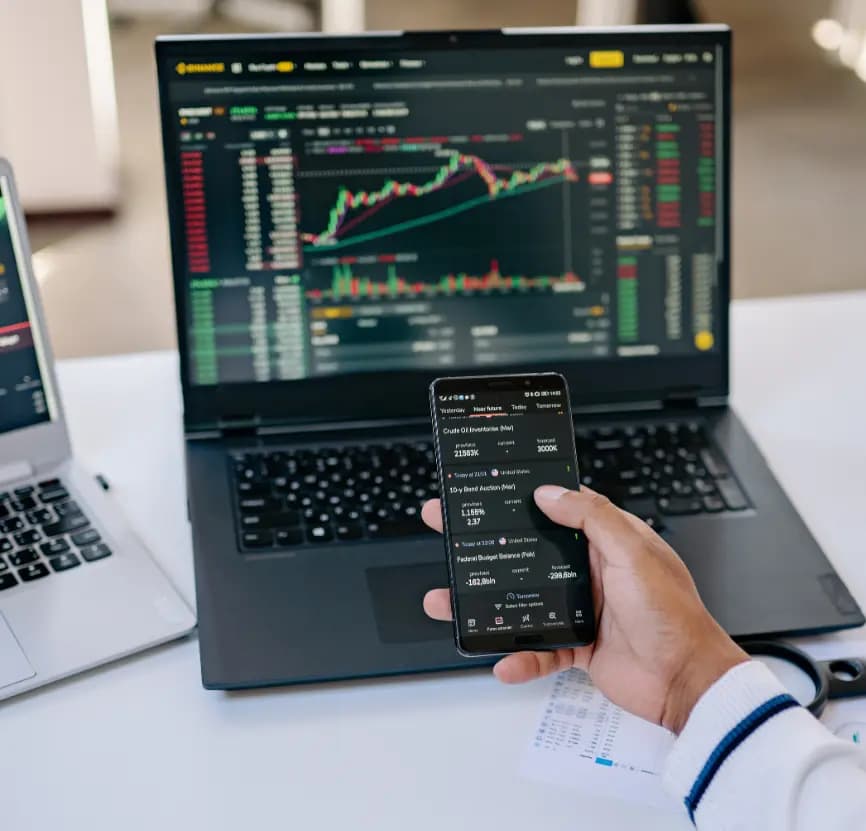
- Onboarding and KYC flow prototypes
- Fraud-alert interfaces for review
- Reporting flows before development
- Investment dashboards tested with users
- Fraud workflows before backend integration
Vehicle concepts, prototyped early
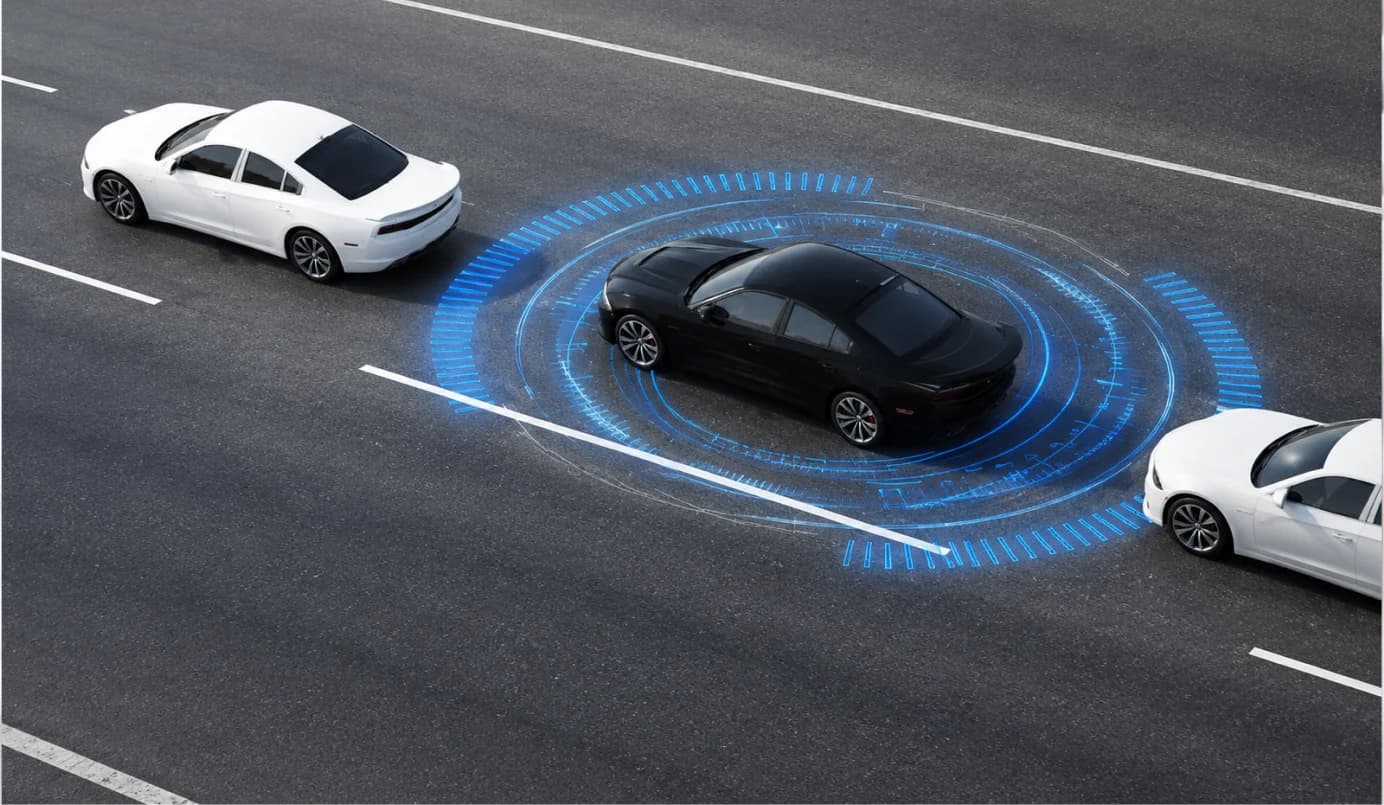
- In-vehicle interface concepts
- Fleet management interfaces tested with drivers
- Dealer booking flows before build
- Diagnostics dashboards before hardware integration
- Parts inventory interfaces tested with staff
Shop-floor tools, tested with operators
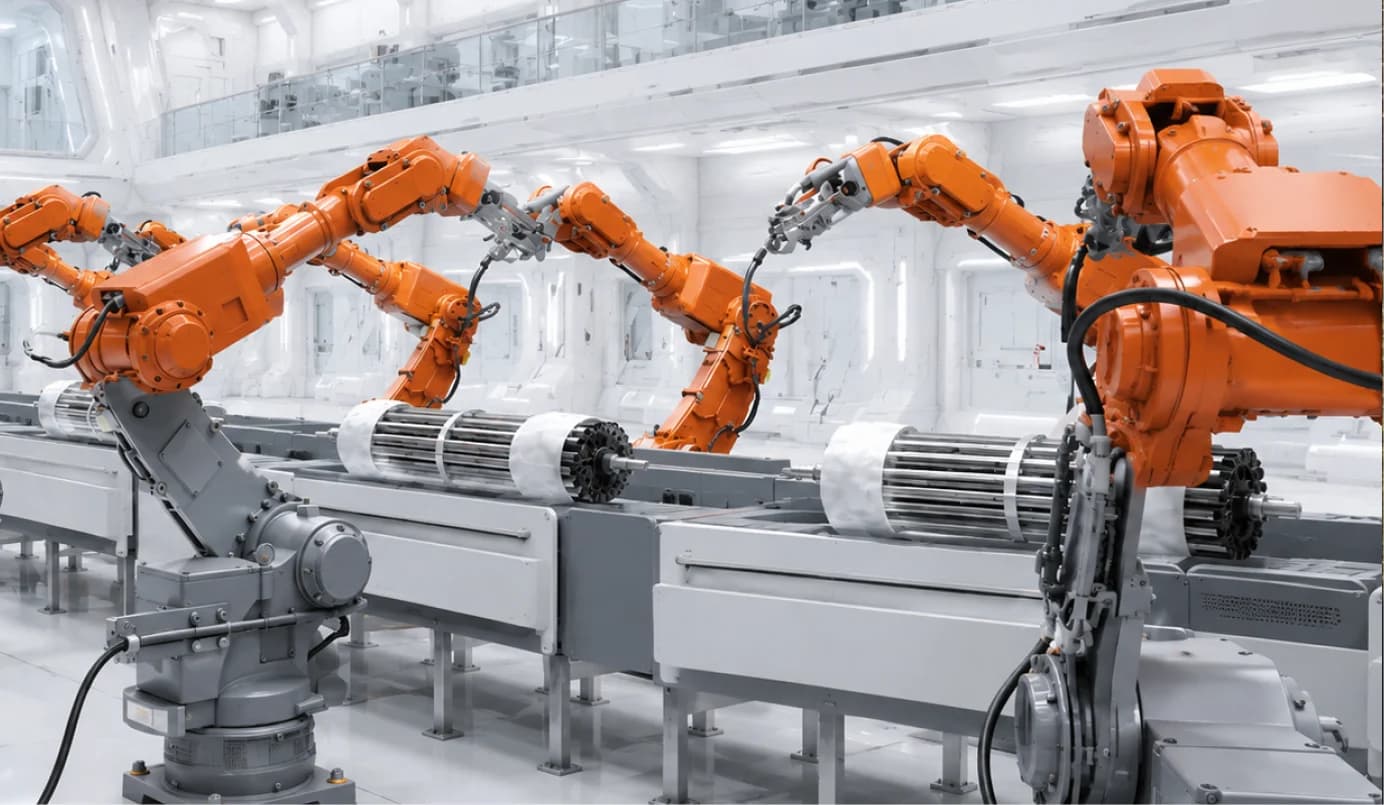
- Production monitoring dashboards with line staff
- Inventory tracking with warehouse teams
- Dispatch scheduling flows before rollout
- Maintenance interfaces with technicians
- Plant dashboards before system integration
Field tools, tested in the field
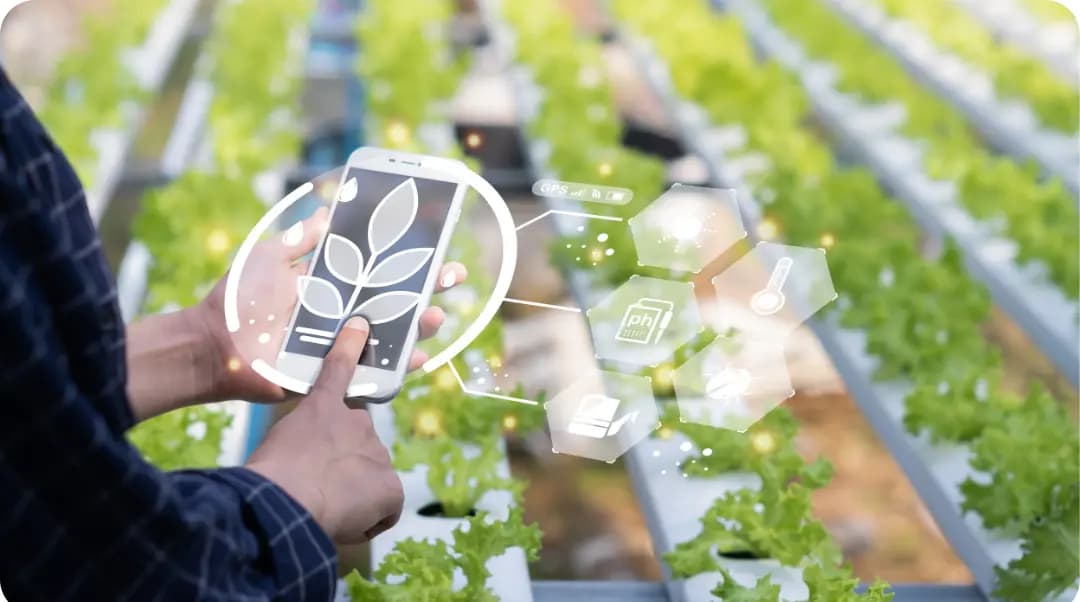
- Data collection tools tested outdoors
- Crop and yield dashboards for growers
- Offline-first interfaces for weak connectivity
- Planning tools tested with field teams
- Sensor dashboards tested on site
Commerce flows, tested with shoppers

- Checkout and payment flows before a rebuild
- Store-associate apps tested on the floor
- Loyalty and rewards flows with shoppers
- Mobile onboarding tested for drop-off
- Inventory dashboards with warehouse staff
FAQs
Prototyping, answered
A prototype is a testable model of an idea - wireframes, a clickable design or a functional mock-up - built to answer a question before production code is written. An MVP is a working product real users rely on. The prototype decides whether the MVP is worth building.
It depends on the fidelity the question needs and how many rounds of testing it takes. Scoping fixes the question and the fidelity, and the plan follows from those two decisions.
The prototype files, the component library, interaction specs, session recordings and findings, and a list of the shortcuts taken to build it. For functional prototypes, the code and the test environment setup as well.
Recruited users who match your audience. Recruitment, briefing and consent are part of the work, and you're welcome to observe the sessions. Colleagues can tell you they like it. Only customers can show you whether they'd use it.
Mostly Figma and Framer, with ProtoPie for sensor-driven interactions and Bubble or Webflow when the question needs real logic and data.
Demand at scale, security, performance and long-term retention. A prototype shows whether people understand something and can use it. Whether they'll pay for it, and whether it holds up under load, takes an MVP or a pilot.
Healthcare, banking and insurance, automotive, manufacturing, retail and AgTech, alongside general SaaS and mobile products.

What do you need
a prototype to prove?
Tell us what you're unsure about. We'll turn it into a testable question, pick the fidelity that answers it, run it past recruited users, and give you a go, revise or stop recommendation before development budget is committed.
Have a project in mind?
Bring the problem. The first call is about specifics, not slides.